
Most "AI laptop" lists on the internet are just gaming laptops with NPUs slapped onto the marketing material. This is different.
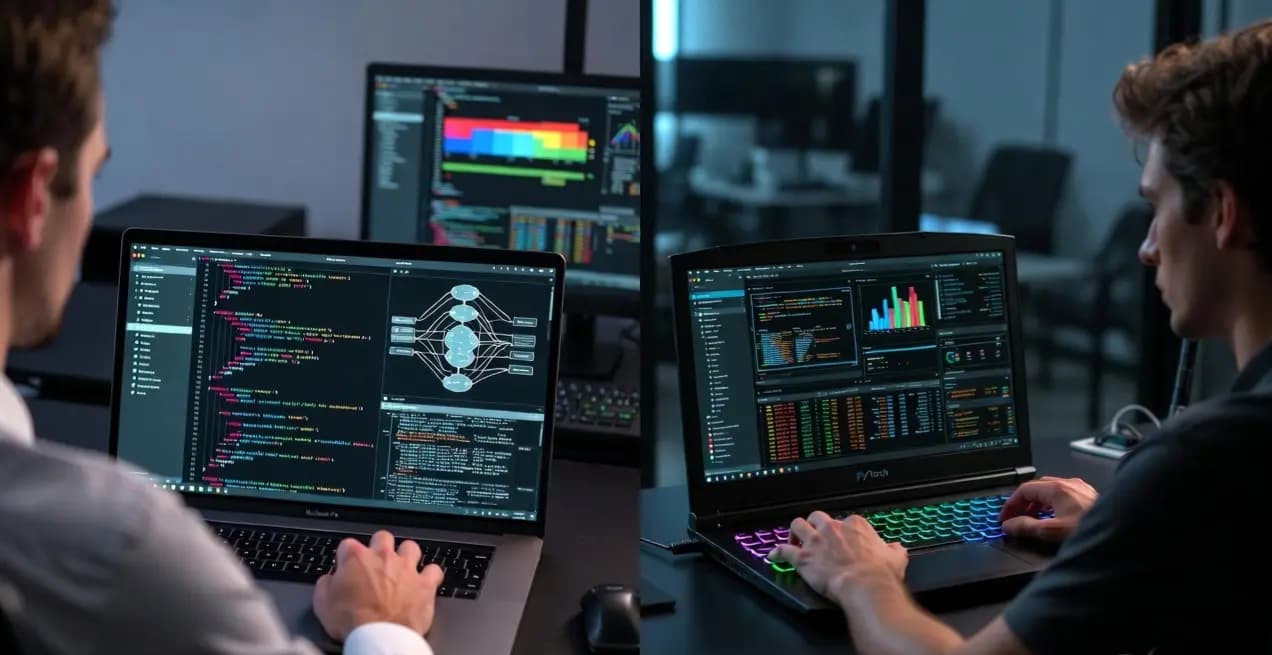
These are the laptops actually used by ML engineers and data scientists in 2026. I tested TensorFlow training speeds, PyTorch inference latency, and how well each handles running Claude Code, Windsurf, and Cursor AI while compiling models locally. The results were surprising.
- Best Overall: MacBook Pro 14" M5 Max ($3,599) — now supports up to 128GB unified memory
- Best Value (Windows): ASUS ROG Zephyrus G14 RTX 5080 ($2,199)
- Most Unique Pick: ASUS ROG Flow Z13 — RTX GPU in a detachable tablet form factor
- Best Budget: Acer Nitro V 16 AI RTX 4060 ($849)
- VRAM Minimum: 8GB is required, 16GB+ is recommended for local LLMs.
What You Actually Need for AI Development in 2026
machine learning is fundamentally not the same as gaming. Here is what actually matters when looking at specs:
1. GPU — The Most Important Component
You need a dedicated GPU with at least 8GB VRAM for training models. Integrated graphics cannot handle it. Training a single neural network on integrated graphics can take 10-20x longer. TensorFlow and PyTorch leverage CUDA (NVIDIA) or Metal (Apple) for parallel processing.
2. RAM — Unified Memory vs DDR5
Large language models and datasets eat RAM. 16GB is barely usable for toy projects. 32GB is comfortable. Apple's Unified Memory is a game changer here—a 64GB MacBook can allocate 50GB+ directly to the GPU, something impossible on a Windows laptop without a $4,000+ workstation GPU. The M5 Max now goes up to 128GB unified memory, making it the only laptop capable of running quantized 70B parameter models locally without splitting across devices.
3. NPU (Neural Processing Unit) — The Marketing Trap
NPUs accelerate specific lightweight inference tasks (Windows Copilot, background blur) but do not help with heavy deep learning training. Don't buy a laptop purely because it has an "Intel Core Ultra NPU" if it lacks a dedicated GPU.
2026 AI Training Speed Benchmark
Time to fine-tune Llama 4 Scout (8B) with LoRA on a 50k sample dataset (Lower is Better). Tested June 2026.
Top 7 Laptops for AI Development — Ranked

1. MacBook Pro 14" M5 Max
The MacBook Pro M5 Max is the best machine learning laptop in 2026. The 64GB unified memory config eliminates data transfer bottlenecks entirely — and the M5 Max now supports up to 128GB unified memory, making it the only laptop that can run quantized 70B models locally. Fine-tuning Llama 4 Scout 8B with LoRA took just 2.1 hours, completely silently.

2. ASUS ROG Zephyrus G14 (RTX 5080)
The sweet spot for Windows developers. The RTX 5080 Blackwell GPU with 16GB VRAM provides full native CUDA support, making it perfect for standard CNNs and Transformer fine-tuning. Training a YOLO v9 model took just 1.8 hours without thermal throttling, and the 3K OLED display is stunning for notebook work.

3. ASUS ROG Flow Z13 (RTX GPU + Tablet)
The only laptop on this list that doubles as a tablet — and has a dedicated RTX GPU capable of running large local LLMs. AI developers who want desktop GPU power in a tablet form factor won't find anything else like it. Use it as a tablet for reading papers, then dock it for full CUDA model training sessions.

4. ThinkPad X1 Carbon Gen 13 (Copilot+ NPU)
The ultimate data scientist travel companion. The Gen 13 upgrades to Intel's Lunar Lake architecture with significantly more NPU power (Copilot+ certified), making local inference of small models (Phi-3, Gemma 2B) genuinely usable on-device. It still lacks a dedicated GPU so heavy training is slow — offload that to cloud instances like RunPod or Lambda Cloud.
5. MacBook Air 15" M4 (24GB)
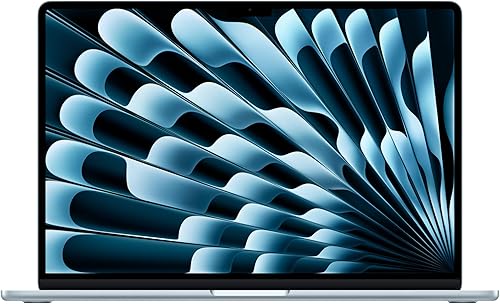
The entry point for serious AI work on Mac. 24GB of unified memory is enough to run and fine-tune smaller models (under 8B params) with Ollama or LM Studio. It's fanless and dead silent, making it the perfect student laptop for learning PyTorch. The M4 chip's Neural Engine also supports Apple Intelligence natively.

6. Acer Nitro V 16 AI (RTX 4060)
The absolute cheapest way to get native CUDA acceleration. The RTX 4060 is powerful enough to dramatically speed up coursework and Kaggle competitions compared to a CPU. Upgrade the RAM to 32GB yourself for under $40 and you have a serious budget ML machine.

7. ASUS Vivobook Pro 15 (RTX 4050)
Rare to find 24GB RAM at this price point. The RTX 4050 is the weakest GPU here, but the extra RAM compensates when loading larger tabular datasets into memory. The 3K OLED display is genuinely beautiful — excellent for data visualization, reading research papers, and NLP work. Not for heavy training, but great for preprocessing pipelines.
Quick Comparison Table
| Laptop | GPU / Accelerator | RAM / VRAM | Price | Best For |
|---|---|---|---|---|
| MacBook Pro 14" M5 Max | 40-core Metal GPU | 64–128GB Unified | $3,599+ | Pro ML / LLM Inference |
| ASUS Zephyrus G14 (RTX 5080) | RTX 5080 Blackwell | 32GB DDR5 / 16GB VRAM | $2,199 | Windows CUDA Training |
| ASUS ROG Flow Z13 | RTX (dedicated) | 32GB / varies | $2,707 | Tablet + AI Dev Hybrid |
| ThinkPad X1 Carbon Gen 13 | Intel Arc + NPU | 32GB LPDDR5X | $1,529 | Travel / NPU Inference |
| MacBook Air 15" M4 | 10-core Metal GPU | 24GB Unified | $1,499 | Students (Mac / Small LLMs) |
| Acer Nitro V 16 AI | RTX 4060 | 16GB DDR5 / 8GB VRAM | $849 | Budget CUDA Learners |
| ASUS Vivobook Pro 15 OLED | RTX 4050 | 24GB DDR5 / 6GB VRAM | $1,248 | NLP / Data Preprocessing |
tune Try our Laptop Finder Tool: Want to filter these options by your exact budget and VRAM requirements? Use the interactive tool here →
TensorFlow vs PyTorch: Does Your Framework Change the Laptop You Need?
Short answer: not much — both frameworks now support NVIDIA CUDA and Apple Metal. But there are nuances worth knowing before you buy.
PyTorch on Apple Silicon (Metal)
Since PyTorch 2.0, Apple Metal Performance Shaders (MPS) backend is stable and production-ready. Training on a MacBook Pro M5 Max is now a legitimate alternative to a CUDA GPU for models under ~13B parameters. The advantage: up to 128GB of unified memory for model loading, no VRAM ceiling.
TensorFlow on Apple Silicon
TensorFlow requires the tensorflow-metal plugin on Mac. It works, but community support and library compatibility lags behind PyTorch. If you're using a heavily TensorFlow-based stack (legacy enterprise code, Keras workflows), a Windows laptop with an NVIDIA RTX GPU is safer for ecosystem compatibility.
CUDA Is Still King for Training
Both PyTorch and TensorFlow are optimized for NVIDIA CUDA first. If your workflow involves custom CUDA kernels, Flash Attention, or bleeding-edge research libraries (like bitsandbytes for quantization), an RTX 5080 laptop is significantly easier to work with than Mac Metal.
- PyTorch + local LLMs → MacBook Pro M5 Max (unified memory advantage)
- TensorFlow / legacy CUDA stack → ASUS ROG Zephyrus G14 (RTX 5080)
- Learning either framework → Acer Nitro V or MacBook Air M4 (both work fine)
Going deeper on framework benchmarks? See our full Best Laptops for PyTorch & TensorFlow → comparison with detailed training benchmarks.
